Changelog
New features, improvements, and fixes shipping to owni.chat.
- 1.1.4.2
Enhanced Welcome Template for Chat Widget
We've improved the Welcome template in your chat widget. Now you can:
- Add Quick Questions: Mix and match frequently asked questions to engage visitors right away.
- Include Product Recommendations: Showcase items directly in the welcome message.
- Customize Welcome Messages: Tailor the greeting for a more personal touch.
These updates help you start conversations with useful, relevant content from the first click.
- 1.1.4.1
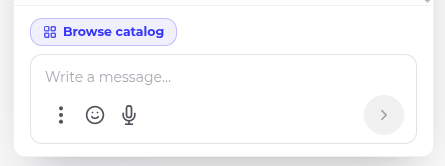
Updated the chat design
We've updated the chat design to make it easier than ever to use emojis, record voice messages, or access additional features. The layout is now more intuitive, and you can customize its appearance—including the border radius—right from the widget settings.
- 1.1.4
Live Catalog Search
You can now create a custom search endpoint via the REST API to look up products in your catalog in real time. This makes it easy to check stock availability on the fly.
Key features:
- Search by phrase, price, sorting, and more
- Instant availability checks when sending messages to customers
- Fully documented for easy integration
No more manual lookups — your workflows stay fast and accurate.
- 1.1.3.1
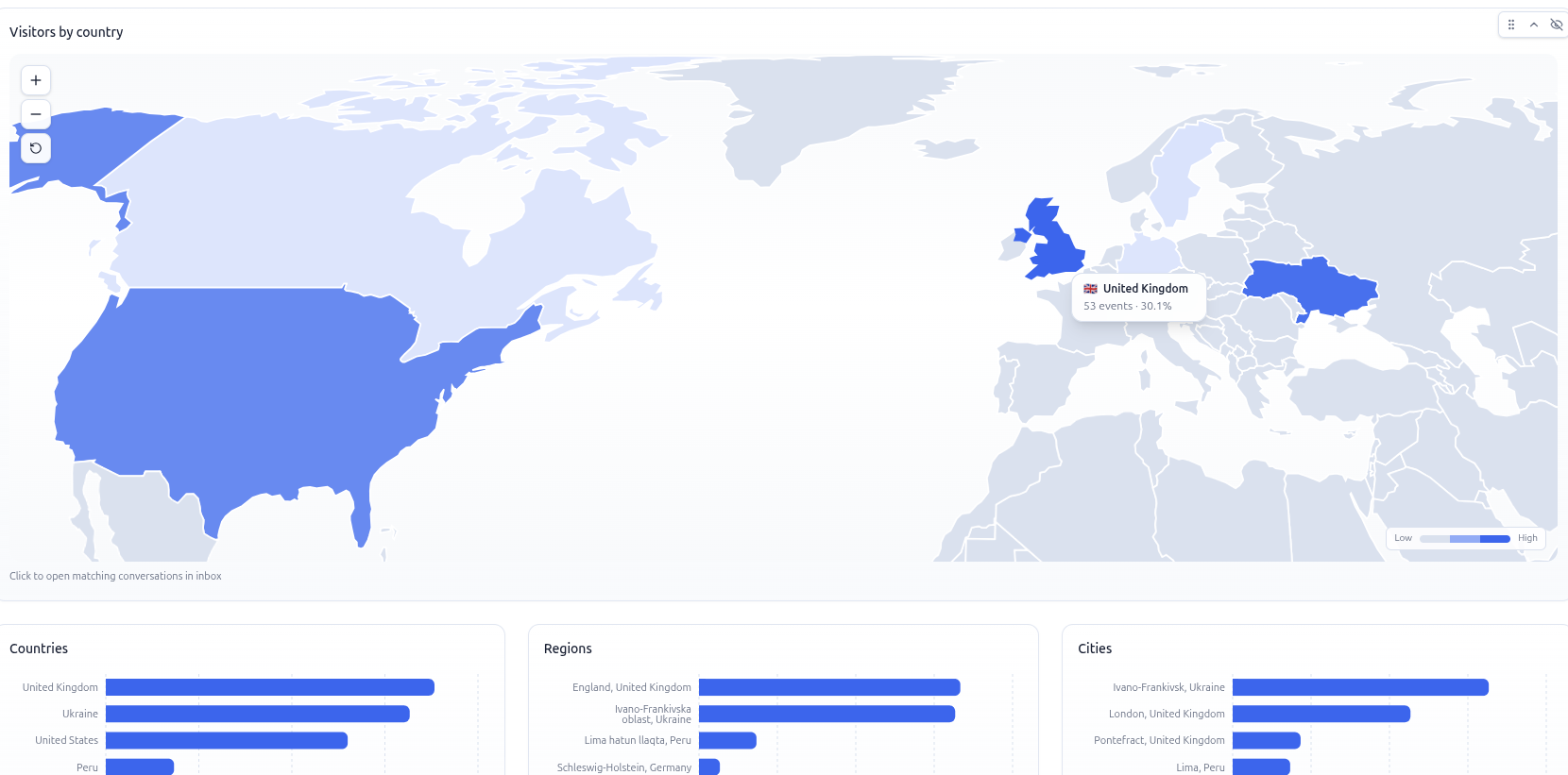
Update map
We've refreshed the world map in Analytics. Now you can dynamically track your visitors and conversions with a beautiful, interactive view. Spot geographic trends and measure performance at a glance.
- 1.1.3
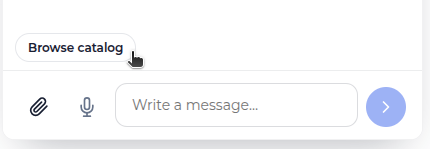
Product Catalog
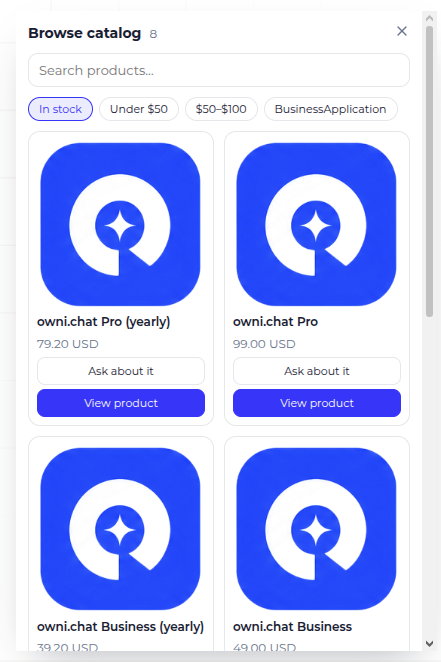
You can now add your product catalog directly into the chat and interact with items using the AI bot. Feed in product data via Excel files or API integration for seamless management.
- 1.1.2
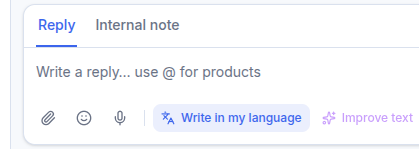
Automatic Chat Translation
Chat translation is here! Now you can communicate with customers who speak different languages without any barriers.
Read messages in your language: If a customer writes in German, for example, you can switch on translation and see their messages in English (or your preferred language).
Reply in your own language: Set your native language in your profile, and when you reply, your message will be automatically translated into the customer's language. You write in English, they read in German — and the conversation flows.