
Analytics that matter
Conversions, visitor map, day/night activity, and reorderable dashboard blocks — the same Overview your team uses after install.
Start freeProduct analytics
A dashboard that shows the whole path to purchase
The same Overview operators use every day: conversions, a visitor map, FAQ heat, live presence, and blocks you can rearrange — not a static PDF of charts.
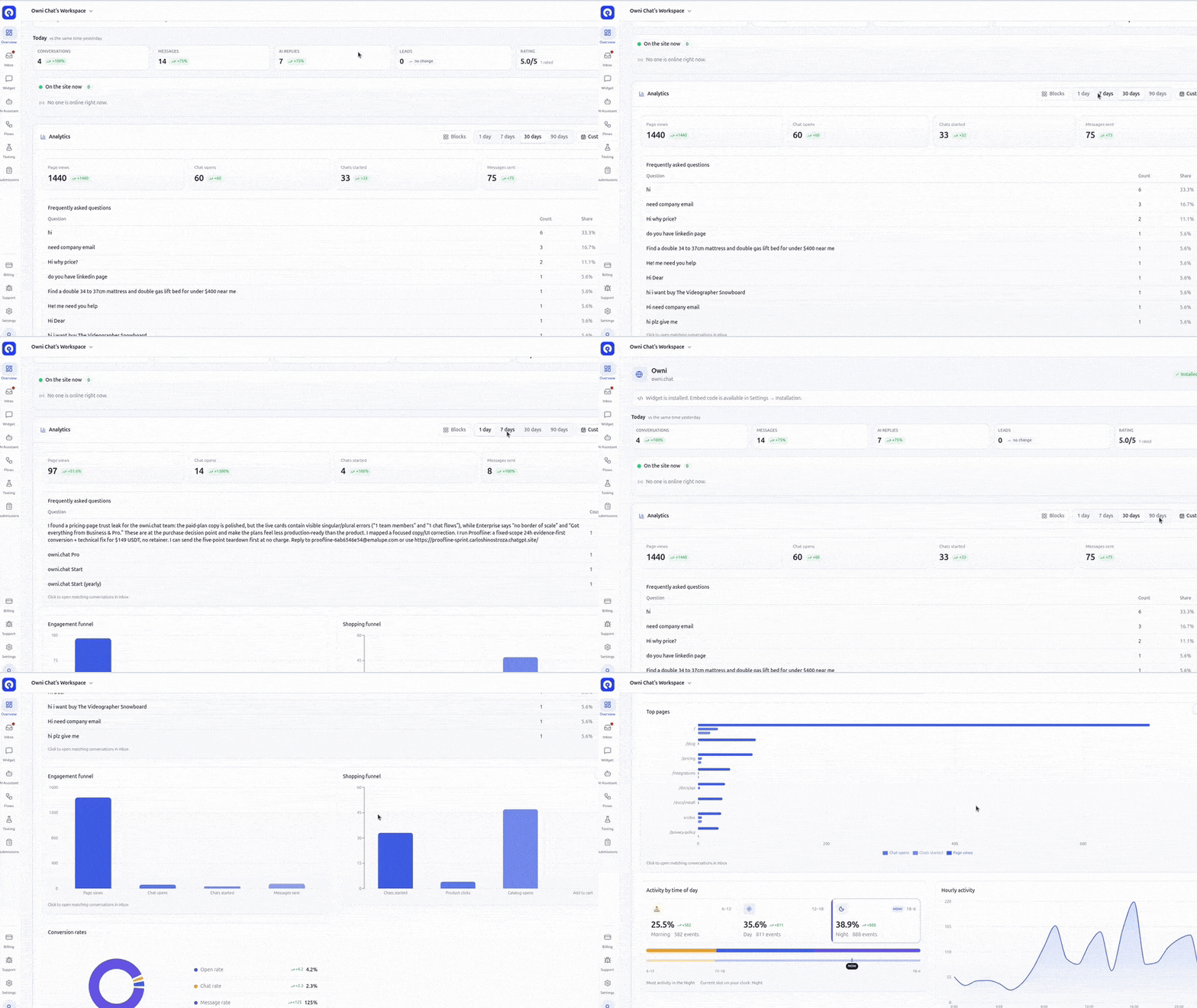
See where shoppers drop — and where they buy
Engagement and shopping funnels sit side by side: page views → chat opens → chats started → messages, plus product clicks, catalog opens, and add-to-cart. Click a step to jump into the matching inbox conversations.
- Engagement funnel with period-over-period deltas
- Shopping funnel for catalog → cart behavior
- Conversion rates: open, chat, and message rates
- One click from a chart into filtered inbox chats
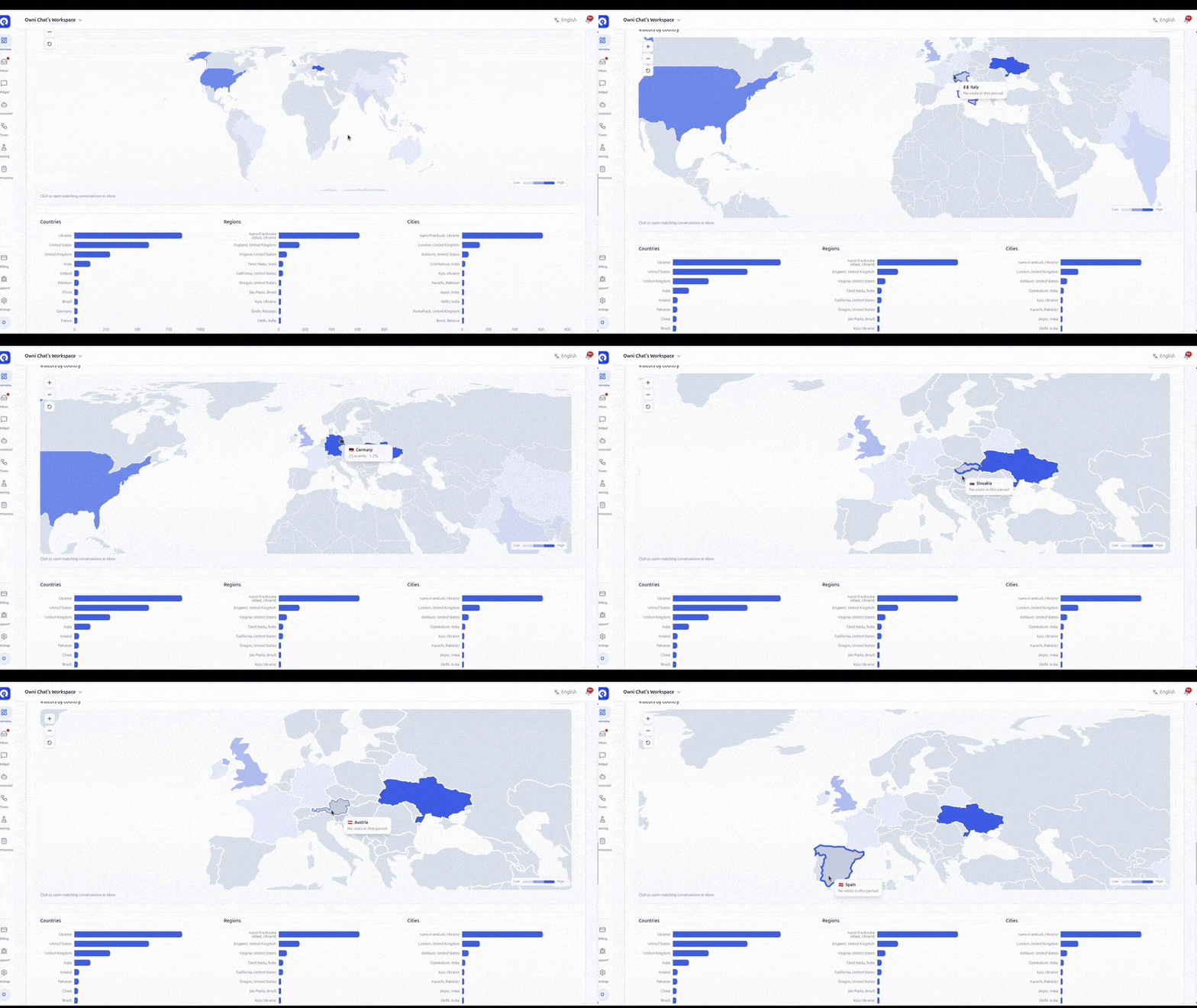
A live map of who is talking to you
Visitors by country on a world map, with country / region / city breakdowns underneath. Zoom, click a country, and open the matching conversations — the same geo filters your operators already use in the inbox.
- Choropleth world map with zoom controls
- Top countries, regions, and cities as bar charts
- Click-through to inbox with geo filters applied
- Works across every site connected to the project
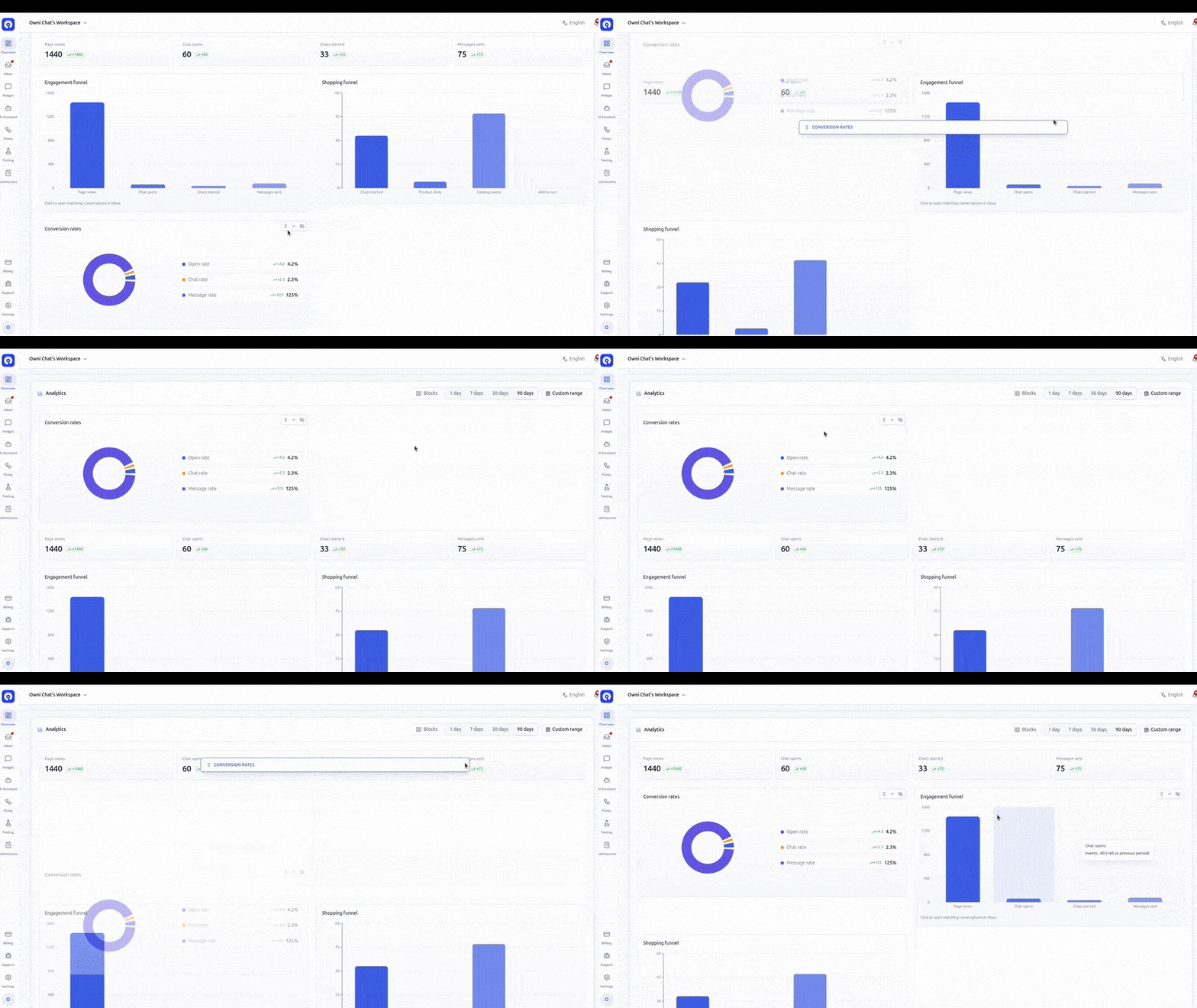
Rearrange the dashboard like a chessboard
Overview is not a fixed wall of widgets. Hide, collapse, and drag blocks — Today strip, live visitors, KPIs, FAQ, funnels, map, hourly activity, flow conversion — then reset anytime. Pick 1 / 7 / 30 / 90 days or a custom range.
- Reorderable blocks with show / hide / collapse
- Today vs yesterday plus live “on the site now”
- Top visitor questions with share %
- Per-flow conversion: views, clicks, submits, completions
Morning · Day · Night
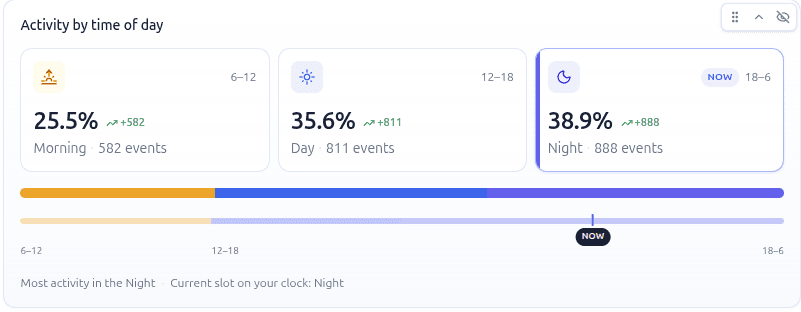
Activity by time of day — separately
Split volume into Morning (6–12), Day (12–18), and Night (18–6). See which slot peaks, where “NOW” sits on your clock, and staff the inbox when shoppers actually write.
Morning
6–12
Day
12–18
Night
18–6
Open your Overview in minutes
Connect a site, install the widget, and the same funnels, map, and day/night activity start filling in automatically.
Start freeWant to see everything owni.chat includes? View all features