
Before You Promise “Chat Leads Go Straight to HubSpot”
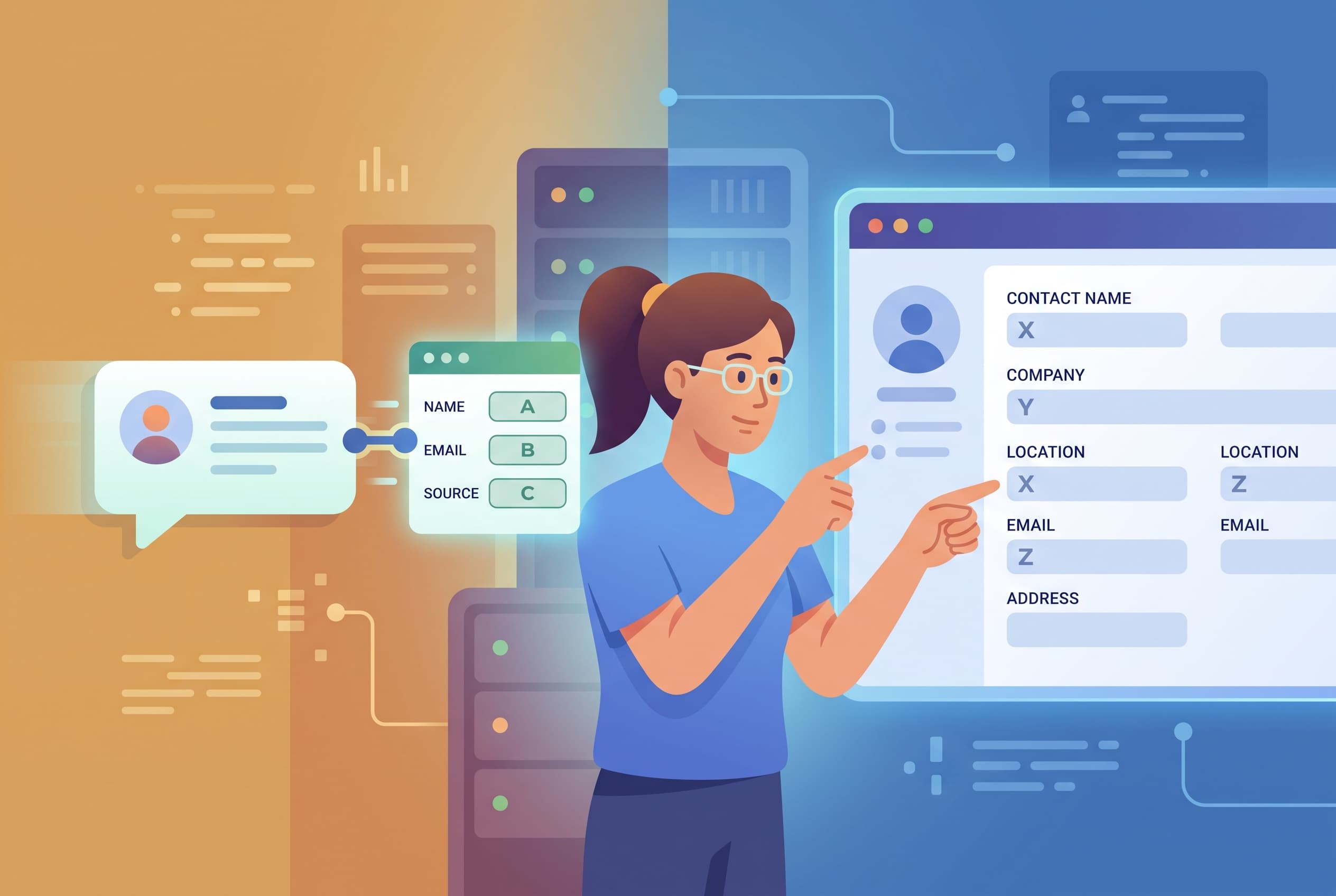
A familiar request lands in the support or growth backlog: someone wants every chat lead to appear in HubSpot automatically.
It sounds small. A visitor enters a name, email, phone number, and question. The sales team expects a Contact. The Contact should contain the useful context, not just an email address floating in the CRM with no explanation of where it came from.
The trouble starts when “automatic” hides several decisions that have not been made yet.
A contact record is not the same thing as a captured lead
A chat widget can collect contact details inside a lead-capture form. That is the first part of the job: get structured information while the visitor is still engaged.
The next part is moving that data somewhere else. That requires a destination, authentication, field mapping, duplicate handling, and a decision about what happens when the destination is unavailable. These are integration concerns, not form-design concerns.
For a HubSpot workflow, teams usually expect at least three behaviours:
- Find an existing Contact by email rather than creating another copy.
- Create a Contact when no matching email exists.
- Preserve the reason the person started a chat: the selected options, submitted fields, page context, or message that prompted the conversation.
That last point is frequently missed. A Contact called [email protected] is not especially actionable if the sales rep cannot see whether Alex asked about pricing, requested a demo, or needed help with an order.
“Upsert by email” has a real trade-off
Upserting by email is appealing because it avoids obvious duplicates. But email is only as reliable as the value submitted.
Visitors mistype addresses. Shared inboxes are used by multiple people. Some prospects submit a personal address first and later use a work address. A duplicate rule that looks clean in a diagram can still leave a sales team with fragmented history.
Before treating email as the identity key, decide what should happen in these cases:
- No email was submitted. Should the lead be held for review, or should the chat remain only in the support inbox?
- The email already exists. Should the new enquiry become a note, update selected properties, or create a separate follow-up task inside your own process?
- The visitor submits a different email later. Do you want to preserve both identities, or merge records manually?
- The form has optional fields. An empty phone number should not overwrite a phone number already known to the CRM.
These choices are not glamorous, but they determine whether an “automatic” handoff makes the CRM more useful or gradually less trustworthy.
The note matters more than another property
Teams often try to map every form answer into a permanent CRM property. That can make reporting neat, but it can also turn the Contact record into a storage cupboard full of one-off fields.
A practical split is usually:
- Put stable, reusable facts into designated properties: name, email, phone number, company size, or lead type.
- Put the one-time enquiry context into a dated note or activity record.
For example, a useful sales note might include the submitted form fields and the visitor’s first message:
Requested a product consultation. Team size: 12–20. Preferred contact: email. Question: “Can this work across several websites?”
That gives a human enough context to respond without forcing every temporary campaign question into the permanent CRM schema.
It also makes attribution easier to inspect. If the form changed last month, the historical note still shows what the visitor actually submitted at the time.
A private token is not just a technical detail
A direct connection using a HubSpot private-app token can remove an automation platform from the middle. That may reduce moving parts, but it changes where responsibility sits.
Someone now needs to own:
- where the token is stored;
- which permissions it has;
- how it is rotated or revoked;
- what happens when an API request fails;
- how failed lead deliveries are found and replayed.
The phrase “no Zapier middleman” is often framed as an automatic improvement. Sometimes it is. A direct integration can be easier to reason about when it is purpose-built and monitored. But a middle layer can also be where a small team inspects failures, adjusts mappings, and handles exceptions without changing application code.
The better question is not whether there is a middleman. It is whether somebody can explain, on a bad Tuesday, why a lead did not arrive and what will happen next.
Data location needs a specific answer
“US and EU data centers” is another phrase that sounds reassuring until procurement asks what it means for a particular data path.
For chat lead collection, map the route plainly:
- A visitor submits data in the website chat.
- The chat system stores and processes that conversation.
- An integration or backend receives the lead event.
- HubSpot receives the Contact or note.
Each service may have its own regional hosting, account configuration, retention rules, and contractual terms. A claim that one component supports EU data residency does not automatically describe the entire path.
This is particularly relevant when the form captures phone numbers, order details, or free-text questions containing personal information. Keep the form narrow. Ask only for the fields the follow-up process genuinely needs.
What is available for website-chat lead handoff
Owni can capture names, emails, and phone numbers in chat flows. Captured leads can trigger HMAC-signed webhooks for Zapier, Make, or a custom backend, while the flow analytics show views, clicks, submits, and completions.
That is useful for a team that has an existing backend or automation route, but it is not the same as a documented native HubSpot integration. There is no published direct HubSpot connection, private-app-token setup, Contact upsert, or note attachment capability to rely on here.
If HubSpot must be the destination, treat the webhook as the boundary: verify what the receiving system does with authentication, deduplication, field mapping, retries, and auditability before promising sales that every chat lead will become a clean Contact.
A short acceptance test beats a polished integration diagram
Before launch, run five test chats using real-world variations:
- a new email address;
- an existing email address;
- a form without a phone number;
- a deliberately malformed email;
- a lead submitted while the downstream destination is unavailable.
For each one, check the exact record the sales team sees. Is there one Contact or two? Is the lead source clear? Is the submitted context visible? Can someone identify a failed delivery without asking engineering?
If those five tests do not have clear answers, the issue is not the chat form. The handoff contract is still unfinished.
FAQ
No documented native HubSpot integration is available. Owni supports HMAC-signed webhooks for captured leads, which can be sent to Zapier, Make, or a custom backend.
Yes. Chat flows can include lead-capture forms that collect names, email addresses, and phone numbers.
Captured leads can trigger HMAC-signed webhooks. The receiving automation or backend is responsible for its own destination logic, authentication, field mapping, and duplicate handling.
That depends on the external system receiving the webhook. It is not a documented built-in Owni capability, so any HubSpot Contact creation, email-based upsert, or note attachment should be designed and verified in that external integration.


