
How Chat Transcripts Reveal the Pages and Policies Creating Avoidable Support Questions
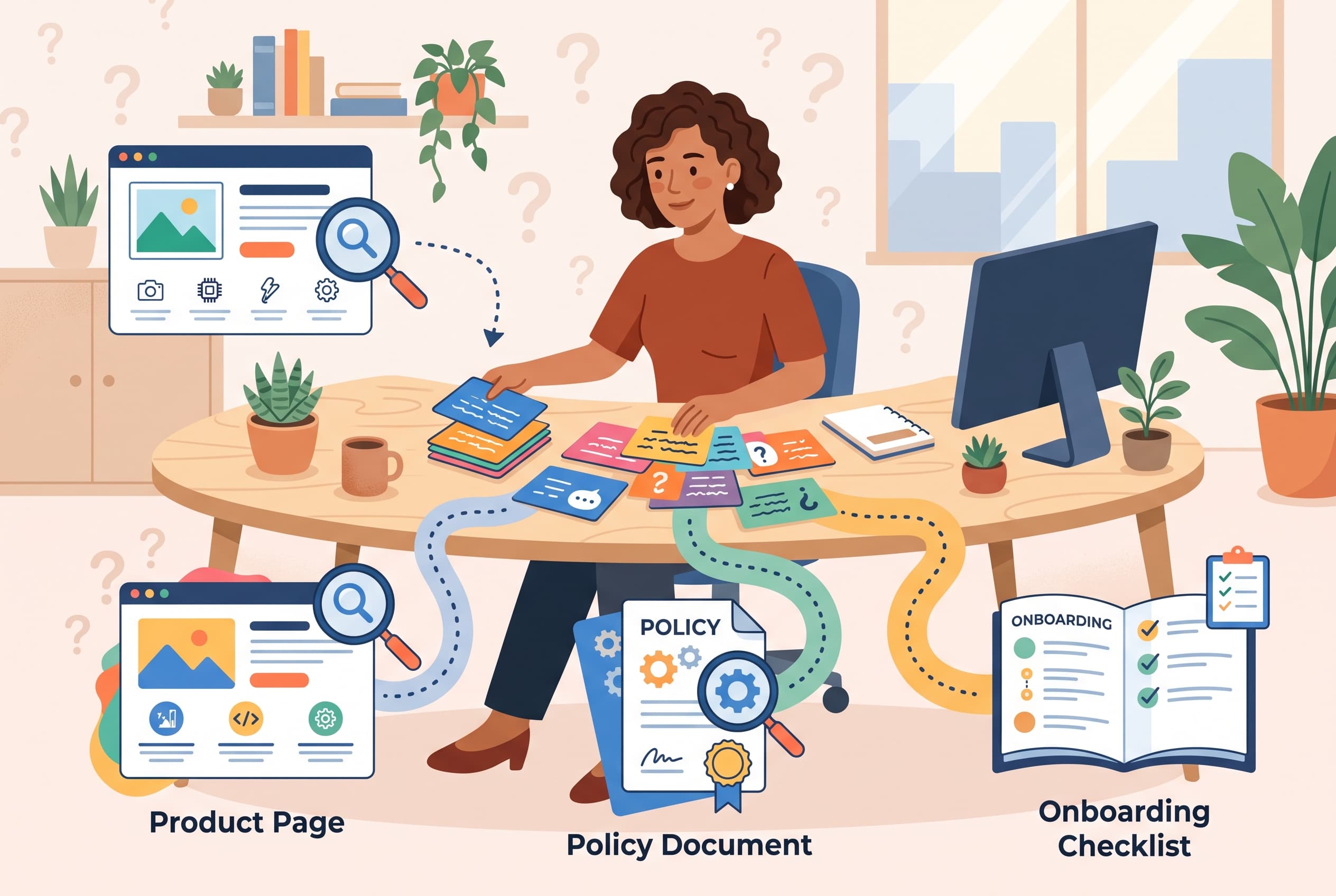
A busy chat inbox can make every question look unique.
One visitor asks whether a product works with a particular setup. Another says their discount disappeared. A third cannot find the first step after creating an account. Taken one conversation at a time, these look like ordinary support work.
Read together, they are usually a map of where the site is making customers guess.
The useful distinction is not between “easy” and “hard” tickets. It is between questions that require a person to investigate and questions that should have been answered before the visitor opened chat. The second group is where transcript review pays off. A repeated question about shipping dates, compatibility, cancellation, or the next onboarding action is often a content or interface problem wearing a support badge.
Start with the visitor’s first sentence
Do not begin by tagging entire conversations with broad labels such as “billing” or “product.” Those labels are useful for staffing, but too blunt for fixing the website.
Instead, pull the first customer message from a sample of recent chats and group messages by the uncertainty behind them. The wording often points directly to the broken expectation.
For example:
- “Will this fit my model?” means the compatibility information is absent, vague, or too far from the purchase decision.
- “Why was I charged after cancelling?” means the cancellation policy may be technically available but not understandable at the moment customers need it.
- “What do I do now?” after sign-up means the onboarding sequence has not made the next action obvious.
- “Where is my order?” may be a delivery-status question, but it may also mean the confirmation email or account area does not set expectations clearly.
- “Can I change this later?” often exposes a fear of irreversible setup, not a missing feature description.
Preserve the customer’s original words when you make the groups. Internal labels tend to smooth over the detail that matters. “Compatibility question” is less useful than “Will this work with my 2021 model?” The latter tells you which product page field needs attention.
A practical first pass is 30 to 50 chats. That is enough to see repetitions without turning the exercise into a research project that never finishes. Create a simple sheet with five columns: customer wording, page or moment involved, current answer, likely root cause, and proposed fix.
Separate page failures from policy failures
The same answer can be repeated for very different reasons. A customer asking about returns may have missed a link. Or they may have found the policy and still not understood it.
This is why it helps to classify avoidable questions into three buckets.
Product-page questions
These happen close to evaluation or purchase. Common examples include dimensions, fit, ingredients, technical requirements, what is included, delivery timing, and differences between variants.
Look for the detail agents repeatedly paste into chat. If a support teammate keeps writing the same three sentences about installation requirements, that information belongs near the product choice, not only in a long FAQ.
Also inspect the words visitors use before they ask. “I think,” “maybe,” “does it mean,” and “just checking” are signals that the page gave them partial information. The page may be accurate but still force interpretation.
The best fix is usually specific: add a compatibility table, state what is included in the box, show the relevant measurement beside the variant selector, or answer the question in the product description using customer language. Avoid responding with a larger wall of copy. A missing fact needs a visible fact; a confusing comparison needs a clearer comparison.
Policy questions
Policy questions are rarely solved by adding another footer link. People ask them when the policy affects money, timing, eligibility, or risk.
Review the transcript for the moment the question appeared. Was the visitor on a pricing page? At checkout? After an unexpected renewal? While trying to return an item? Placement matters as much as wording.
A good policy review asks:
- Can a customer find the relevant rule before committing?
- Does the policy state the outcome before the exceptions?
- Are deadlines, fees, exclusions, and required actions written plainly?
- Does the site use the same terms that support agents use in chat?
If agents consistently explain a policy with an example, add that example to the policy itself. “Returns accepted within 30 days” can still create questions. “Returns accepted within 30 days of delivery; items must be unused” answers more of the real decision, assuming those are the actual rules.
Be careful not to treat every complaint as a copy problem. If visitors understand a policy and dislike it, rewriting will not remove the question. That is a business decision, not a content optimization task.
Onboarding questions
Onboarding transcripts are especially revealing because customers have already chosen to proceed. Their questions often identify a handoff between steps that made sense internally but not to a newcomer.
Look for messages such as “I completed that—what happens next?”, “Where do I find…?”, and “Do I need to do this before…?” Then reconstruct the exact path: the screen they started on, the action they completed, and the state they expected afterward.
The underlying issue is often one of four things:
- The next action is not visible.
- The reason for an action is not explained.
- The customer does not know whether a step succeeded.
- A required prerequisite appears too late.
Fix the smallest broken handoff first. A short confirmation message, a visible next-step prompt, or an earlier prerequisite can eliminate more confusion than a full onboarding redesign.
Use repetition, not volume, to choose what to fix
The loudest topic in chat is not automatically the best candidate. A rare account-access problem may be urgent, while a high-volume question about a product detail may be cheap to prevent.
Prioritize each cluster using three questions:
- How often does it appear? Count similar first questions, not just chats assigned the same tag.
- How costly is it? Consider agent time, purchase hesitation, failed setup, or policy disputes.
- How preventable is it? Can one page edit, policy clarification, or onboarding prompt answer it honestly?
A question that appears 12 times a week and takes two minutes to answer is a better early fix than an occasional complex issue requiring a product change. Track the question count for a few weeks after publishing the change. You are looking for a directional drop, not proof from a single quiet day.
Keep the evidence connected to the original conversation
Transcript review gets unreliable when summaries replace source material. Keep links to the conversations behind each proposed change, especially for policy and onboarding work. Product teams often discover that a seemingly obvious request had a different cause in the actual exchange.
A shared inbox with searchable conversation history makes this much easier: search for a phrase, read the surrounding context, and compare how different agents answered it. In Owni, the inbox keeps conversation history with search and an audit log, while AI answers are logged for review. That matters when you want to distinguish a customer-information gap from an answer that was inconsistent or unsupported.
For AI-assisted chat, inspect the fallback messages too. If the assistant says it does not know about a recurring policy or product detail, that may indicate the knowledge source is missing the answer. The fix is to add or improve the relevant source material, then verify that the answer points back to the correct page. It is not a reason to make the assistant guess.
Turn findings into a small weekly repair list
Do not leave transcript insights in a quarterly slide deck. Keep a short list of repairs with an owner and a test date.
A useful weekly list might contain:
- Add a clear size or compatibility answer to one high-traffic product page.
- Rewrite one disputed policy paragraph using the language customers used in chat.
- Add a confirmation and next action after one onboarding milestone.
- Update one knowledge-base source that repeatedly produces an AI fallback.
- Recheck the related transcript cluster after two weeks.
The aim is not to eliminate support. Customers will still need help with unusual cases, personal decisions, and genuine errors. The aim is to stop using live chat as a substitute for information the site could have provided at the exact moment of doubt.
Pick one repeated question from the past week, find the page or step that should have answered it, and make the smallest truthful change there. If the same wording keeps returning after that, the issue is probably not visibility alone—it is clarity, timing, or the policy itself.
FAQ
Start with 30 to 50 recent conversations and focus on the customer’s first message. That sample is usually enough to identify repeated uncertainty without creating a large research project.
Questions are strong candidates when the answer should be available before or immediately after a customer action: product compatibility, what is included, policy conditions, delivery expectations, and the next onboarding step. Complex account issues and unusual edge cases may still need human support.
Not always. Prioritize questions by repetition, cost to customers and agents, and how easily the site can answer them honestly. A frequent question with a simple page-level fix is often a good first repair.
If customers cannot explain what the policy means, improve the wording and placement. If they understand it but object to the outcome, the problem may be the policy itself rather than the copy.
Yes. Review recurring AI fallbacks and answers that require clarification. Add accurate source material for missing topics, and check that resulting answers link back to the relevant page.


