
Your Website Chat Should Not Force Visitors to Switch Languages
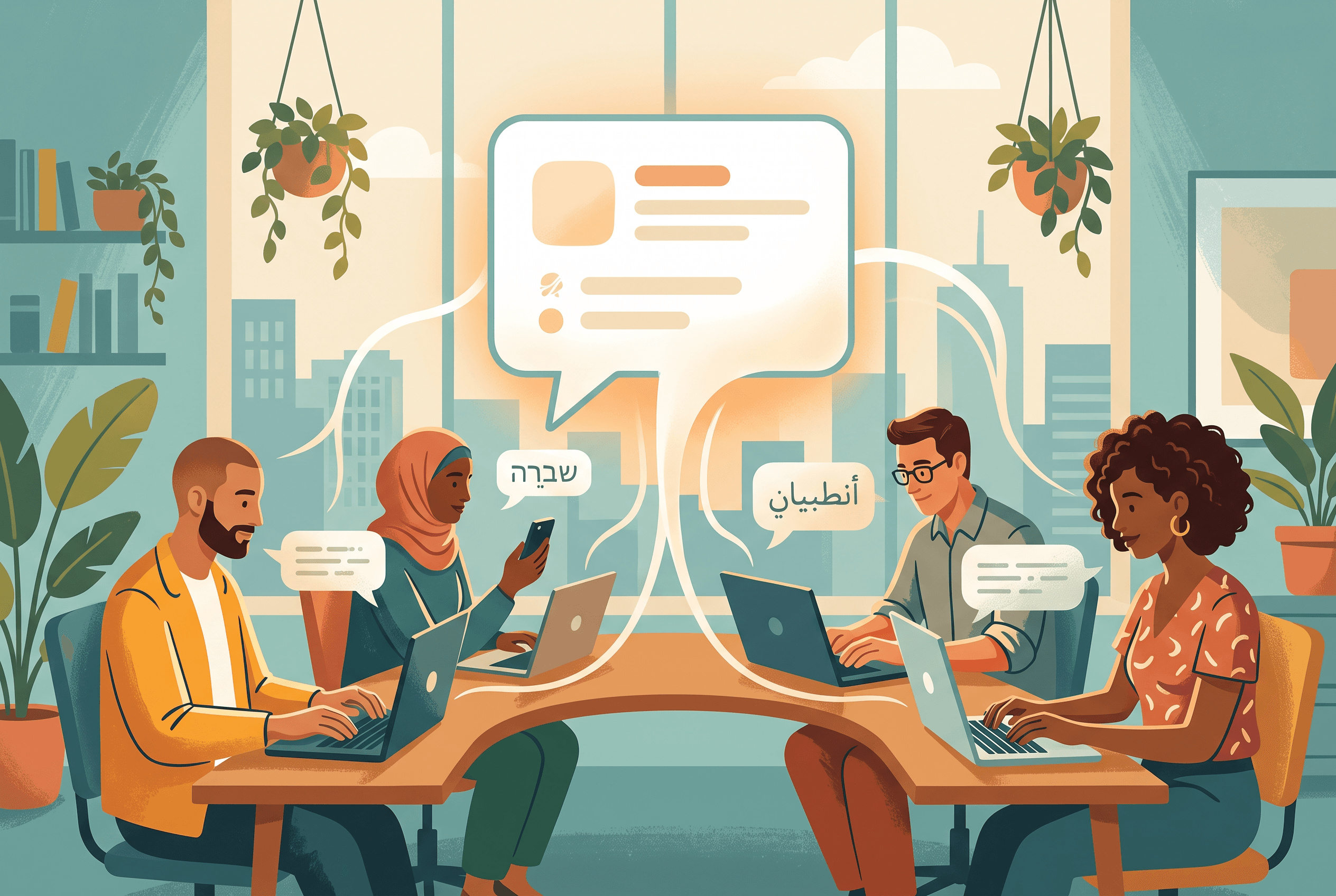
A visitor lands on your site from Warsaw, Kyiv, Berlin, Lisbon, or Tel Aviv. They have one small question: does this product fit their needs, can it be delivered, where is the policy, what happens after purchase?
The frustrating part is rarely the question itself. It is the moment the visitor sees a chat box that silently assumes they should ask in English.
That assumption costs more than it seems. People may translate their question badly, avoid asking a detailed one, or leave rather than explain a problem in a second language. For a website selling across borders, chat is often the first support surface a visitor encounters. It should meet them where they are.
The visitor's language and the team's language are different problems
These two needs are often mixed together, but they are not the same.
Visitor language is what someone types into the chat. A visitor may write in English, Ukrainian, Polish, German, French, Arabic, Hebrew, Portuguese, or Russian — sometimes with typos, local phrasing, or a sentence that switches between two languages.
Team language is the interface your staff use to manage conversations. That includes inbox controls, statuses, settings, and analytics.
A support setup can handle the first well while keeping a smaller, deliberately supported set of dashboard languages. The Owni dashboard is available in English, Ukrainian, German, Polish, and Russian. Meanwhile, the assistant replies in whatever language the visitor writes, without requiring a language setting before chat starts.
That distinction matters for a small team. You do not need to create separate chat widgets for every market just because visitors ask questions in different languages. The conversation begins in the language the person already chose.
A multilingual reply still needs a reliable source
Language flexibility is useful only if the answer is grounded in the information your business actually maintains.
A visitor can ask in Portuguese about a return rule, in Arabic about a service detail, or in French about a product specification. The answer should come from the same controlled knowledge base: pasted guidance, FAQ entries, imported website pages, or uploaded PDF, Markdown, CSV, and TXT files.
This avoids a common failure mode: a chat assistant sounds fluent but makes up a policy that does not exist.
Owni indexes the content you provide and links each answer back to the exact source page. If the answer is not in the available knowledge, the assistant can say it does not know rather than fill the gap with a confident guess. That is particularly valuable when the conversation language is not the language in which your internal documentation was originally written.
The trade-off is straightforward: multilingual chat does not repair incomplete source material. If your returns page is vague, out of date, or absent, a polished answer in another language cannot make the underlying policy clearer.
Keep the opening simple
Many multilingual websites make the chat opening too complicated. They add a language selector, a list of flags, and several separate welcome messages before a visitor can ask a question.
Sometimes that is necessary. Often it creates friction where none was needed.
A cleaner approach is to make the welcome message short, then let the visitor write naturally. Quick-question chips can still guide common requests such as “Shipping,” “Returns,” or “Talk to a person,” but the chat should not turn into a language test.
For example, a visitor may start with:
- “Czy mogę zwrócić produkt po otwarciu opakowania?”
- “Чи є доставка за межі України?”
- “هل يمكنني تغيير طلبي بعد الدفع؟”
- “אפשר לדבר עם נציג?”
The useful next step is not asking them to choose a country flag. It is understanding the question, answering from the site’s own information where possible, and handing the conversation to a person when it needs judgment.
Human handoff needs context, not a restart
Language coverage becomes most visible when the automated answer is not enough.
A customer may be asking about an exception, a damaged item, or a detail missing from the knowledge base. In hybrid chat mode, the assistant can handle routine questions and hand difficult cases to a human. The conversation remains in the shared inbox, where teammates can assign it, set it as open, pending, or closed, and review the full history.
The practical benefit is continuity. A visitor should not have to repeat their issue after asking for help in Polish, German, Ukrainian, or another language. The team sees the earlier exchange and can respond from there.
This does not mean every team member will speak every visitor language fluently. That is an operational decision to make before promoting chat across new markets. Consider who will handle human conversations, what happens outside working hours, and which questions should be answered only by a specialist.
Check the conversations that matter
Do not judge language support by a demo sentence. Check real chat patterns after launch.
Look for a few specific signals:
- Are visitors starting chats in languages you did not expect?
- Which questions receive an “I don’t know” response because the knowledge base lacks a source?
- Do certain languages lead to more human handoffs?
- Are visitors using different words for the same product, policy, or service?
- Does a translated source page point to the policy your team would actually want them to read?
Every AI answer is logged for review, which makes this a content-maintenance task rather than a guessing exercise. A repeated unanswered question is a prompt to add or improve a source, not a reason to write a broader prompt and hope for the best.
Put the promise in the right place
If your website serves international visitors, say that people can write to chat in their own language. But keep the promise precise.
Do not imply that a multilingual assistant creates localized policies, replaces a multilingual support team, or guarantees that every source document is complete. It can make the first interaction far more natural; it cannot settle a policy your company has not defined.
Start by reviewing the ten questions visitors ask most often. Make sure the pages or files behind those answers are current, specific, and easy to link back to. Then test those same questions in English, Ukrainian, Polish, German, French, Arabic, Hebrew, Portuguese, and Russian. The useful test is not whether the reply sounds impressive. It is whether the visitor gets the correct answer and can open the source that supports it.
FAQ
Visitors can write in whatever language they use. This includes English, Ukrainian, Polish, German, French, Arabic, Hebrew, Portuguese, and Russian.
No. The dashboard interface is available in English, Ukrainian, German, Polish, and Russian. Visitor chat language and dashboard interface language are separate things.
No. It answers from the knowledge sources you provide, such as pasted text, FAQ entries, imported URLs, and uploaded files. Answers link back to the exact source page.
The assistant can say it does not know instead of inventing an answer. In hybrid mode, difficult conversations can also be handed to a human teammate.


