
When Not to Use AI for Customer Support (and What to Do Instead)
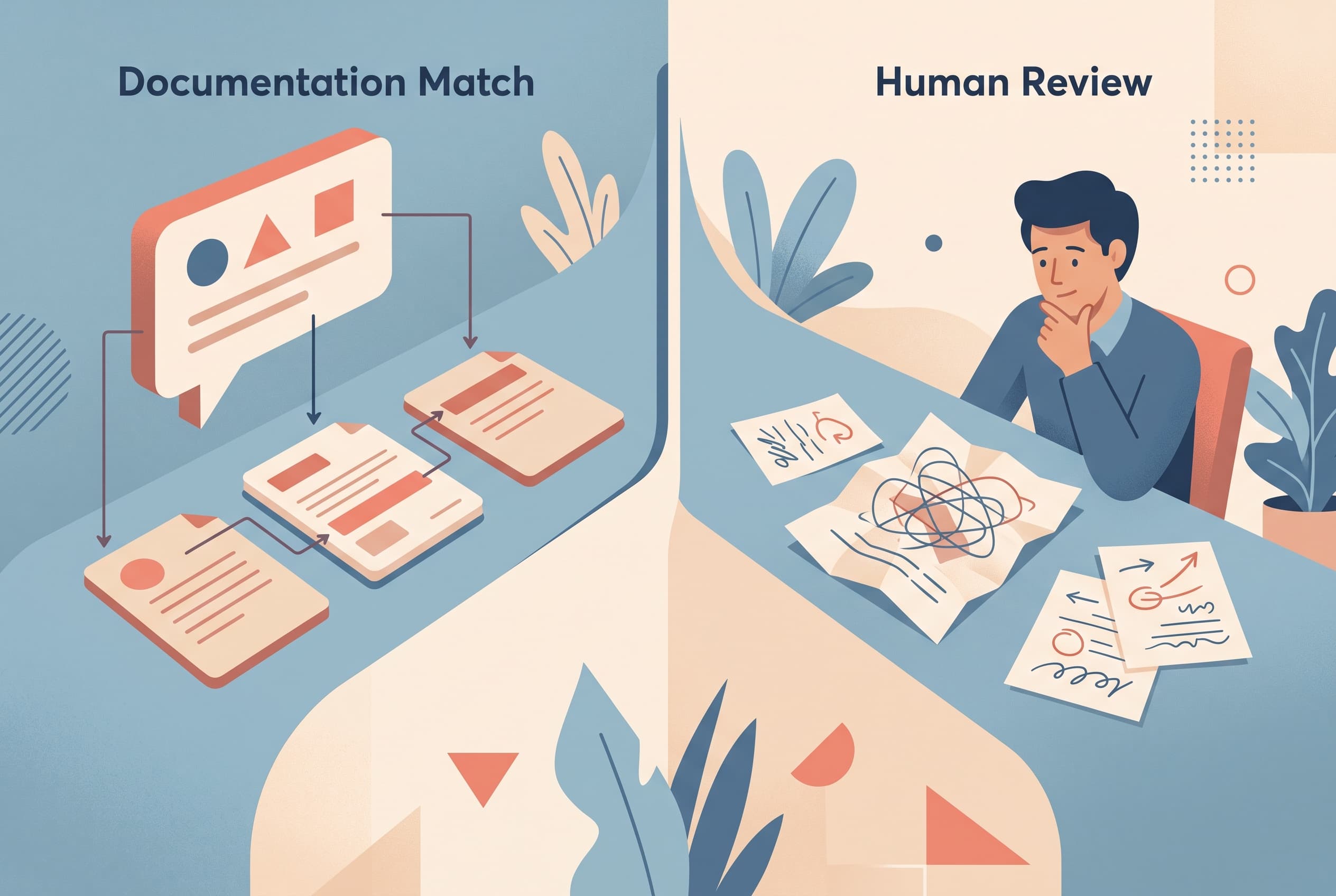
Most support teams do not have an “AI problem.” They have a sorting problem.
A visitor asks a straightforward question — “Do you ship to Poland?” or “Where is the sizing guide?” — and an assistant can retrieve an existing answer quickly. Then a different visitor arrives with a damaged order, an account dispute, or a question nobody has documented. Treating both chats the same is where things go wrong.
The practical question is not, “Should we use AI for support?” It is: which conversations are safe to answer from existing material, and which need a person or a deliberate workflow?
Do not use AI for decisions that change a customer’s situation
The moment a reply commits the business to something, be cautious.
Refund exceptions, compensation, cancellations, delivery disputes, account access issues, and bespoke pricing are not just information requests. They require judgment, context, and sometimes authority. Even a polite, well-written answer can create a promise your team did not intend to make.
What to do instead:
- Let the chat collect the details a teammate needs: order reference, email, product, and a short description of the issue.
- Set expectations plainly: the request has been passed to a person for review.
- Put the conversation in a shared inbox where it can be assigned, marked pending, and picked up with the full chat history intact.
That is slower than an instant answer, but it is the right kind of slower. The customer gets a clear next step rather than a confident-sounding guess.
Do not use AI when the source material is thin or stale
An assistant can only be as reliable as the material it can cite. If your returns policy lives in a half-finished document, product specifications vary between pages, or a recent policy change has not been added to the knowledge base, automation makes the gap more visible.
This often shows up as a support issue that looks like an AI failure but is really a content ownership failure. The bot is asked about a warranty, a compatibility edge case, or a regional restriction. There is no trustworthy answer available. A fabricated answer would be harmful; a vague answer wastes the visitor’s time.
The better response is to use an honest fallback and create a content loop:
- Send the unanswered conversation to a human.
- Decide whether the answer should become a policy page, FAQ entry, or product note.
- Add that material to the knowledge source only after it is approved.
- Review future answers against the original source.
With Owni, answers are drawn from the project’s own pasted text, FAQ entries, imported pages, or uploaded files, and each answer links to its exact source page. When the material does not contain an answer, the assistant can say it does not know rather than inventing one. That is useful only if someone on the team is prepared to improve the missing documentation.
Do not use AI as the first responder for emotional complaints
A customer saying “my parcel is late” may need a tracking explanation. A customer saying “you ruined my birthday gift” needs recognition before troubleshooting.
The difference is easy to miss if you look only at keywords. Both chats may mention delivery. But one is a factual lookup; the other is a frustrated person trying to establish that somebody is taking responsibility.
An automated reply can still help at the edges. It can ask for the order number and matching email where that lookup is available, or present a short choice such as “delivery issue,” “damaged item,” or “return.” But the message that acknowledges a high-stakes failure should come from a person who can read the tone, inspect the history, and decide what happens next.
Build a handoff rule for the kinds of language your team knows are sensitive: repeated complaints, threats to leave, chargeback language, accessibility concerns, or a customer who has already tried several times. Do not make the visitor fight through a cheerful answer loop to reach a human.
Do not use AI when the task is really lead qualification
Support chat is often asked to do two jobs: answer questions and collect commercial context. Those are not always the same interaction.
If someone opens a pricing page, you may not want a long AI conversation about every feature. You may want to learn what they need, how to contact them, and whether they want a person to follow up. That is a structured conversation, not a knowledge-retrieval problem.
Use a short chat flow instead:
- Trigger it on a relevant page URL, scroll depth, widget open, or quick-start button.
- Offer a few real choices rather than an empty text box.
- Collect a name, email, or phone number only when it is relevant to the request.
- Send the captured lead through a signed webhook to Zapier, Make, or your own backend.
- Check the flow funnel: views, clicks, submits, and completions.
This is one of the places where no-code structure beats a clever answer. A visitor who wants a demo request should not need to phrase it perfectly for an assistant to understand.
Do not use AI as a substitute for a visible human option
Some customers simply prefer a person. Others have a question with too much context to type into a small chat window. A website chat system should not make “talk to someone” feel like a failed attempt at self-service.
Offer a human handoff in the places where uncertainty is expected: complex products, pre-purchase consultations, order problems, and business-to-business enquiries. In hybrid mode, the assistant can handle documented questions and pass harder cases into the team inbox. Teammates can see the conversation history, attachments, and status rather than asking the customer to repeat everything.
The operational trade-off matters here. If nobody is staffed to respond, presenting an immediate human option can create disappointment. Use an accurate offline message outside coverage hours, and be specific about what the visitor can leave behind for follow-up.
Use AI for repeatable facts, not unresolved ambiguity
The best initial use cases are boring in a good way:
- Where can I find the installation instructions?
- Which page explains delivery times?
- What is included in this plan?
- Does this product come in a particular size or material, when that information is in the catalog or knowledge base?
- Can you point me to the correct policy page?
These questions have stable answers, low downside, and a source your team can inspect. Streaming replies help the chat feel responsive, but speed is not the main value. The value is that the visitor gets pointed to the right documented information without waiting for a teammate to paste the same link again.
Keep the boundary visible. An AI-only setup can make sense for a small, well-documented help surface. A hybrid setup is better when customers regularly move from factual questions into exceptions. Live agents only is still the sensible choice when most conversations require investigation or discretion.
A simple test before automating a support topic
Before you let AI answer a category of question, ask four things:
- Is there one approved source of truth? If not, fix the content or route the chat to a person.
- Would a wrong answer cost the customer money, access, safety, or trust? If yes, avoid autonomous answers.
- Can a visitor resolve the issue from information alone? If not, use a lead form, a handoff, or a clear request-gathering flow.
- Will someone review unanswered questions and weak replies? If not, the knowledge gap will stay a knowledge gap.
Start with the ten questions your team answers repeatedly and can link to a clear page for. Leave refunds, exceptions, distressed customers, and undocumented edge cases with humans until the underlying process is genuinely ready to support automation.


