
Why Your AI Chat Welcome Message Matters More Than the Bubble
Elena Koval
Product Marketing
7 min read
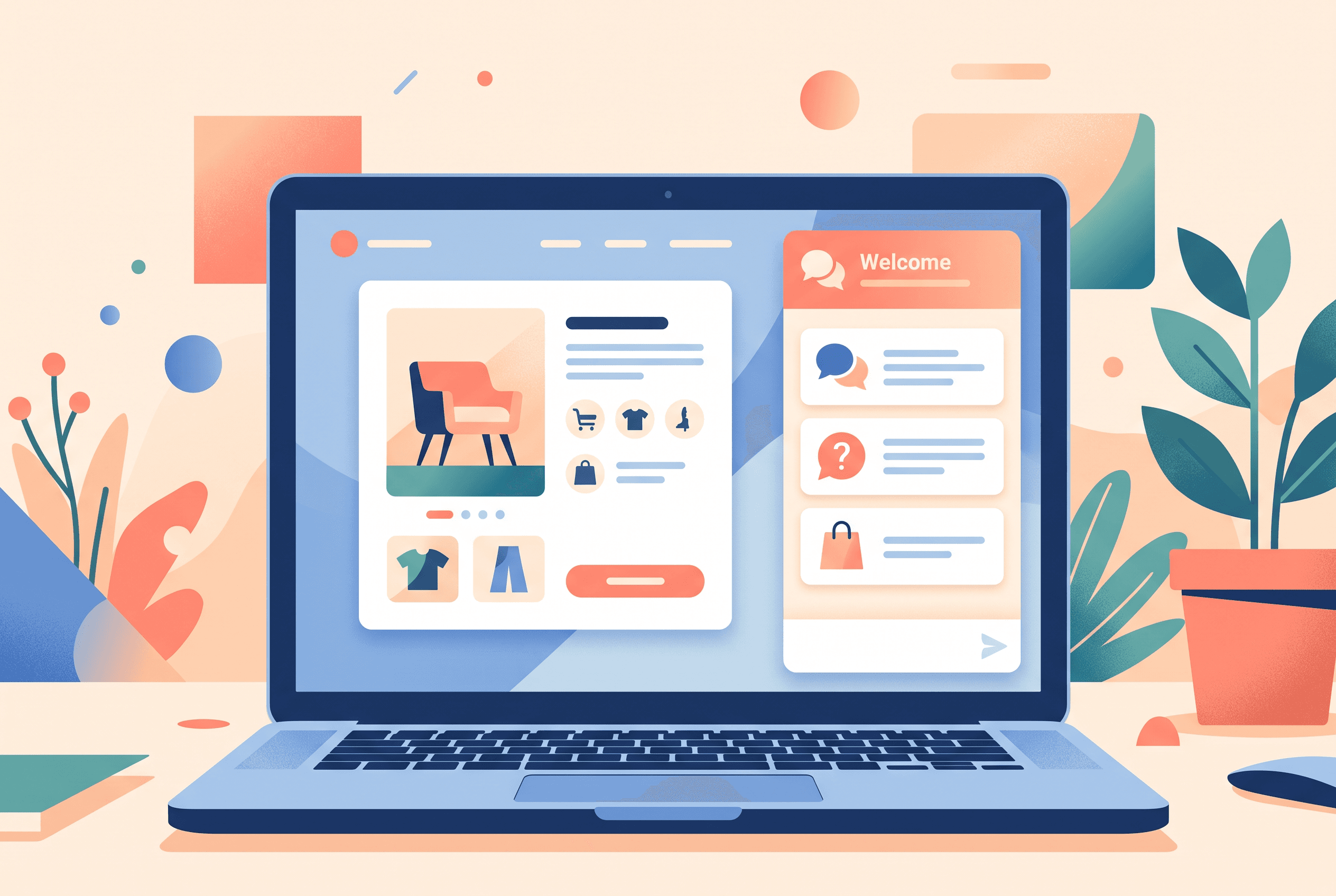
A site owner searching for an AI chat widget for website pages is usually thinking about the assistant: what it knows, whether it can hand off to a person, and whether it will create more work than it removes.
Those are the right questions. But there is an earlier one that often gets missed: what does a visitor see before they decide to type?
A generic “Hi, how can we help?” puts the work back on the visitor. On a product page, they may be trying to establish whether an item fits, ships in time, works with something they already own, or can be returned. If they cannot see a likely path in a few seconds, the chat bubble becomes background furniture.
The practical role of a welcome message is not to sound friendly. It is to make the next useful action obvious.
A welcome message should reduce blank-page anxiety
Think about the moment a shopper opens chat. They may not know the name of the policy they need, and they may not want to write a long question on a phone. This is where quick questions that give visitors a useful starting point earn their place.
Instead of asking an open-ended question, offer a small, page-aware set of starting points such as:
- “Will this work with my current setup?”
- “When would this arrive?”
- “What is your returns policy?”
- “Help me choose a size”
- “Compare these two options”
These are not just shortcuts. They reveal demand. If “delivery to Germany” is clicked repeatedly, that is a prompt to check whether shipping information is easy to find and whether the knowledge base for the chat widget covers it clearly.
For a service business, the same principle applies. A visitor landing on a pricing page might need “What is included?”, “Can I talk to someone?”, or “Which plan suits a small team?” The welcome message should reflect the job of that page, not repeat the homepage slogan.
The enhanced welcome template makes it possible to combine a tailored greeting, quick questions, and product recommendations in that first chat view. That is useful when the chat is meant to help someone choose, not merely collect a support request.
Product recommendations only work when they answer a real question
An AI shopping assistant for website visitors can make recommendations, but a row of random products is not assistance. It is another carousel.
A better use is to pair recommendations with an intent that is already visible:
- On a category page, offer help narrowing the choice.
- On a product page, show compatible or relevant options when the visitor asks.
- In the welcome panel, feature a small selection only when there is a sensible starting category or campaign.
Where a catalog is connected, the assistant can show product cards in the conversation with an image, price, and an add-to-cart button that calls the site’s own JavaScript. Without a catalog feed, there are no product cards to show; a well-trained answer can still point people to the relevant product page.
That distinction matters when evaluating a chatbot that knows product catalog information. Product knowledge is not the same thing as a pleasant product display. You need both accurate source material and a catalog connection if recommendations are part of the buying experience.
In one anonymized transcript review for a homeware store, the busiest product page had a single detail that kept coming up: buyers wanted to know whether a lamp included the correct plug for their country. The existing greeting was “How can we help?” The useful first prompt was far less clever: “Check plug and delivery options.” It gave visitors language for the question they already had. Before adding recommendation cards, the store needed that answer in its content first.
Start with questions you can actually answer
This is the part that separates a useful assistant from a confident-sounding liability.
To train AI chatbot on website content, begin with the material a human support person would use: FAQ entries, policy text, product documentation, relevant URLs, and files such as PDFs, Markdown, CSV, or TXT. Imported URLs are crawled, and the content is indexed for retrieval. Answers can link back to the exact page they came from.
That source link is especially helpful for product page questions in ecommerce. A shopper can see the answer, then open the return policy or product guide behind it. If the answer is not in the supplied content, the assistant should say it does not know rather than make up a policy. Designing answers with help-article citations gives visitors a practical way to verify guidance before acting.
This makes a welcome prompt a small content audit. Do not add “Ask about delivery” if delivery rules live only in someone’s head. Do not advertise “Find the right product” if descriptions do not include compatibility, dimensions, or use cases.
For a first version, choose three to five prompts that meet both tests:
- They are common enough to deserve a shortcut.
- Your knowledge source can answer them accurately.
Anything more can become a menu people scan instead of use.
Install the widget, then configure the first conversation
The mechanics of how to install chat assistant on website are straightforward: add one asynchronous script tag before the closing </body> tag. It loads after the page renders, does not use an iframe that shifts the layout, and an install checker confirms that the widget is live. On WordPress, Shopify, React, Next.js, or plain HTML, that means using the place where your site accepts a site-wide script rather than waiting for a plugin.
Owni’s setup can take about two minutes for the script itself, but launch readiness takes longer if your content needs attention. The Always Free plan is useful for testing live chat, but it does not include the AI assistant. AI-led support requires a paid plan.
Before switching on an assistant, decide which operating mode fits your site:
- AI-only for a narrow, well-documented set of questions.
- Live agents only when the conversation is too sensitive or too variable for automated answers.
- Hybrid when the assistant can handle routine questions and hand off harder cases to the shared team inbox.
A chatbot handoff to human is not a failure state. It is the right route for refunds, unusual order problems, bespoke quotes, or any question the supplied knowledge does not cover. Team members can receive the chat in a shared inbox, assign it, and manage it as open, pending, or closed. You should also build a fallback path for unanswered questions so uncertainty does not become a dead end for the visitor.
Use the welcome area differently on different pages
One welcome message across an entire site is easy to maintain, but it often wastes the context you already have. A visitor opening chat from a help page has different needs from someone browsing a product category.
Use page URL triggers and flows when the question requires a structured path. A flow can present button choices, collect a name, email, or phone number, and send someone to a human. Its funnel analytics show views, clicks, submits, and completions, which is more useful than guessing whether a prompt “feels engaging.”
For example, an ecommerce product page could open with:
- “Need help choosing?”
- “Check delivery and returns”
- “Talk to the team”
The first option can start a guided choice flow. The second can lead to sourced policy answers. The third can hand off. On a contact page, a lead-capture flow may be more appropriate than product suggestions. Chat intake questions that route pricing, technical, and account requests can help you keep that routing useful without making chat feel like a form.
This is also a cleaner way to assess a Tidio alternative, an Intercom alternative for small store teams, or any tool in a crisp vs live chat AI comparison. Do not compare only the chat window. Check how the product handles source-grounded answers, page-specific entry points, human handoff, conversation history, and what each interaction lets you measure.
Make multilingual chat useful, not merely available
A multilingual website chat should not force visitors to choose a language before asking a simple question. The assistant can reply in the language the visitor writes in, without a language setup.
Still, the source material needs care. If a return policy only exists in one language, make sure its wording is unambiguous enough to support visitors asking from another market. Tone also deserves a deliberate setting: a custom system prompt and tone of voice can keep the assistant direct on product pages and more formal where policy explanations need precision.
A sensible first launch is small: install the widget, load the pages that answer your five most repeated questions, set three welcome prompts for one high-intent page, and review the logged AI answers after real visitors use them. If a prompt produces vague replies or repeated handoffs, remove it until the underlying content is ready.
FAQ
Add the provided asynchronous script tag before the closing </body> tag on your site. It loads after the page renders, and an install checker can confirm that the widget is live. The same manual script approach works on WordPress, Shopify, React, Next.js, and plain HTML sites.
The script installation can take about two minutes. A useful AI launch may take longer because you need to prepare the FAQs, pages, files, or other knowledge sources that the assistant should use when answering visitors.
Prepare accurate content for the questions shoppers ask most, such as delivery, returns, compatibility, sizing, or product specifications. If you want the assistant to show product cards with images, prices, and add-to-cart buttons, you also need a connected product catalog.
Yes. In hybrid mode, the assistant can handle supported questions and hand off harder cases to the shared team inbox. Teammates can assign chats and manage them with open, pending, and closed statuses.
The assistant replies in the language a visitor writes in, with no language setup required. Answer quality still depends on the clarity and coverage of the knowledge sources you provide.


