
Owni vs Chatling.ai: A Website-First Chatling Alternative
Marcus Webb
Implementation Lead
7 min read
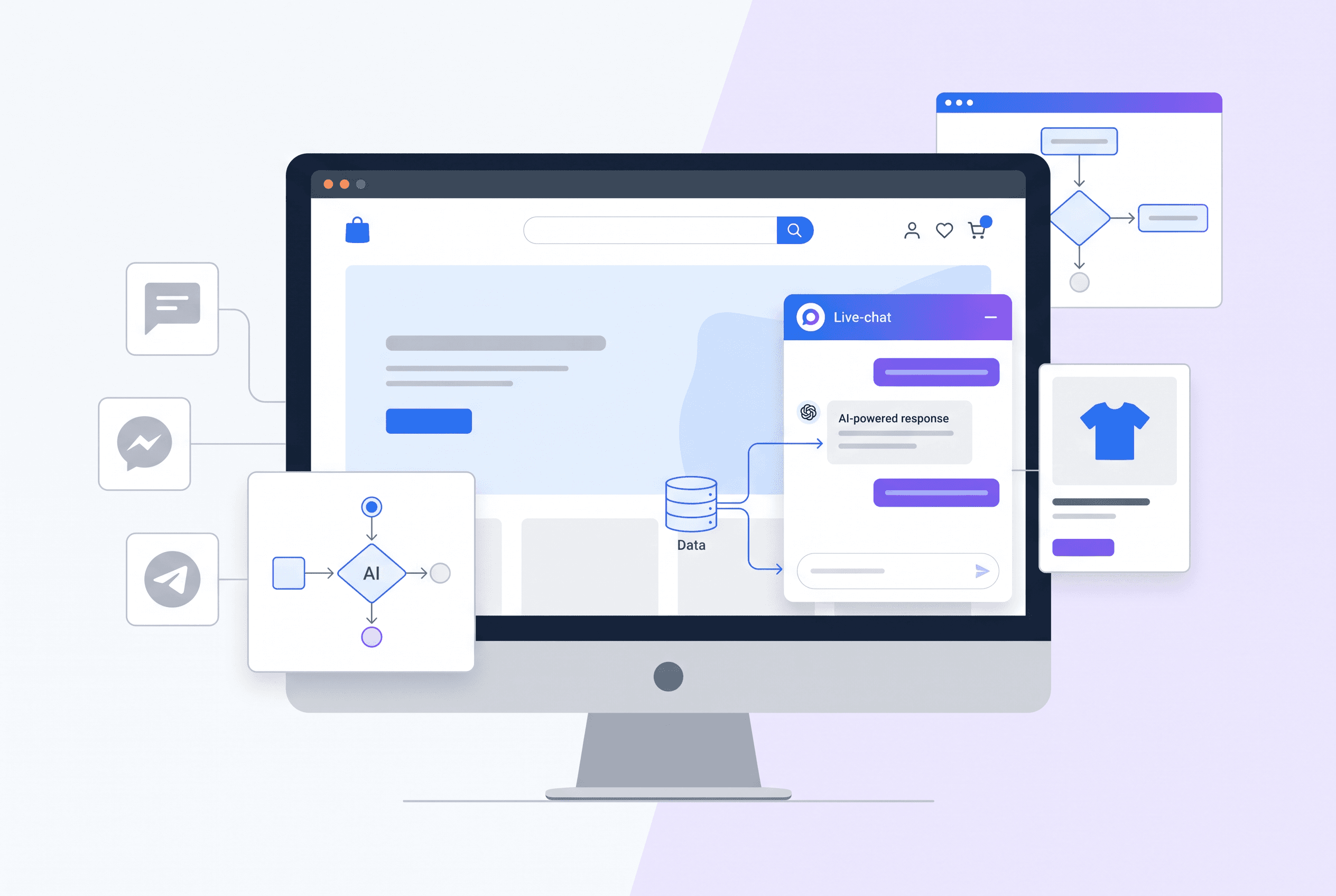
A comparison for website chat buyers
If you are researching Chatling Alternatives, start with the customer journey you need to run on your website—not with a generic AI chatbot checklist.
Some teams need to manage conversations across several messaging channels. Others need a focused website chat setup: answer questions from approved content, guide visitors toward the right product or next step, capture leads, and bring a teammate into the chat when needed.
This comparison focuses on the second use case. The platform covered here is a website chat product. It does not offer WhatsApp, Instagram, Telegram, or Messenger channels, so it is not the right choice if those channels are a required part of your support operation.
Chatling.ai comparison: what to evaluate
| Evaluation area | Website-first option covered here | What to verify with Chatling.ai |
|---|---|---|
| Primary use case | Embeddable website chat widget with an AI assistant, visual flow builder, shared team inbox, and analytics. | Whether its website-chat workflow matches your support and sales process. |
| Website installation | Add one asynchronous script tag before </body>. It works through manual installation on WordPress, Shopify, React, Next.js, and plain HTML. An install checker confirms the widget is live. |
The installation method, performance implications, and support for your site stack. |
| AI knowledge sources | Use imported URLs, FAQ entries, pasted text, and PDF, Markdown, CSV, or TXT files. | Which sources it accepts and how imported content is maintained. |
| Answer traceability | Every AI answer links to the exact source page it used. Every AI answer is also logged for review. | Whether answers provide source-level citations and review tools. |
| Unsupported questions | The assistant is designed to say it does not know instead of inventing an answer. | How fallback behavior, escalation, and answer quality controls work. |
| Product discovery | A connected catalog can surface product cards with an image, price, and an add-to-cart button that fires your site’s own JavaScript. | Whether catalog recommendations and storefront actions work with your ecommerce setup. |
| Guided journeys | A no-code flow builder supports messages, button choices, lead forms, and human handoff. Triggers include page URL, scroll depth, widget open, quick-start buttons, keywords, and regex. | Whether its flow controls, triggers, and conversion reporting suit your campaigns. |
| Lead capture | Collect names, emails, and phone numbers in chat. Lead forms can upsert HubSpot Contacts or Pipedrive Persons, and webhooks can send data to Zapier, Make, or a custom backend. | Which CRM, webhook, and lead-routing options are available for your workflow. |
| Human support | Use AI-only, live-agents-only, or hybrid mode. Teammates work from a real-time shared inbox with assignments, statuses, notifications, search, and an audit log. | How handoff context, routing, staffing, and conversation history are handled. |
| Channels | Website chat only. | Whether the channels you need—such as WhatsApp, Instagram, Telegram, or Messenger—are included in the plan you are considering. |
| Pricing | A free plan is available without the AI assistant. Paid plans start at $19/month; paid plans have a $1 first month and can be cancelled anytime. | Current plan pricing, usage allowances, and channel-specific limits. |
Where a website-first setup can be the better fit
A website-first chat product is a strong fit when your highest-value conversations begin and end on your own site.
For example, an ecommerce visitor may arrive on a category page with a question about product suitability, sizing, materials, compatibility, or price. Rather than sending that person to another channel, you can place a chat bubble, inline embed, or scroll-triggered chat experience directly in the buying journey. A useful AI chat widget welcome message can give that visitor a clear first question or next step.
The practical advantage is control over what happens next:
- Show quick-question chips on a policy or pricing page.
- Trigger a product-finder flow after a visitor reaches a chosen scroll depth.
- Collect contact details when a request needs follow-up.
- Route a visitor to a human when the AI does not have a supported answer.
- Review the exact sources used in AI responses.
These are implementation options, not guarantees of more sales or fewer tickets. Measure the results against your current website conversion and contact data after launch.
Test product recommendations in a real storefront
For stores comparing an AI shopping assistant for a website, the important question is not simply whether the assistant can answer in natural language. It is whether the conversation can help a visitor move from uncertainty to a relevant product.
When a catalog is connected, the assistant can show product cards during a conversation. Each card can include an image, price, and an add-to-cart button. The button fires your website’s own JavaScript, so test the behavior on your actual storefront before relying on it.
A useful evaluation script includes questions that match your customers’ decisions:
- Which product fits a particular use case?
- What are the relevant differences between two options?
- Is a product compatible with another item?
- Which option fits a stated budget or requirement?
- What happens when the visitor asks something the catalog or knowledge base cannot support?
Product cards require a connected catalog. Installing the widget alone does not create catalog recommendations.
Ground AI answers in content you control
A frequent concern when choosing the best AI chatbot for a website is incorrect answers about returns, shipping, product specifications, or company policies.
The assistant answers from the knowledge sources you supply rather than from generic web knowledge. You can import website URLs, add FAQ entries or pasted text, and upload PDF, Markdown, CSV, or TXT files. Imported content is indexed with vector embeddings.
Each answer links back to the exact source page it came from. This makes it easier to inspect an answer, find the underlying content, and decide whether the source needs updating. If the available knowledge does not support an answer, the assistant can state that it does not know rather than filling the gap with an invented response.
When your policies, documentation, or product details change, refresh the relevant imported source as part of your content process. Do not assume that a website knowledge source will refresh itself on a scheduled basis.
Use flows where open-ended chat is not enough
Open-ended AI is useful for common questions. But high-intent pages often benefit from a guided next step.
The drag-and-drop flow builder lets you create chat paths with messages, button choices, lead-capture forms, and human handoff. You can trigger those paths when the widget opens, at a selected scroll depth, on a specific page URL, from quick-start buttons, or when visitors use matching keywords or regex patterns.
For instance, a high-consideration category page could trigger a short “Help me choose” flow. A visitor selects a need, shares an email if follow-up is appropriate, and then continues into a catalog-backed conversation or a human handoff. Keep the first version concise: ask only for details that change the recommendation or qualification outcome.
Per-flow funnel analytics show views, clicks, submits, and completions. Alongside workspace and site analytics for page views, widget opens, chats started, AI performance, and flow conversion, this gives you signals to review after launch.
Check handoff and team operations before committing
For after-hours customer support chat, test the boundary between automation and people.
You can run the assistant in AI-only, live-agents-only, or hybrid mode. In hybrid mode, a handoff can be part of a flow, while the shared inbox gives teammates one place to manage website conversations. Chats can be assigned, marked open, pending, or closed, and teams have browser and email notifications, searchable conversation history, and an audit log.
The assistant can reply in the language a visitor writes without language setup. Still, test the product names, specialist terms, and policy wording your visitors actually use. A multilingual response capability does not replace reviewing your own source content.
Installation and evaluation plan
For a manual website installation, place the asynchronous script tag before the closing </body> tag. It loads after the page renders, has no iframe layout shift, and does not affect Core Web Vitals. The widget API is locked to registered domains, and each project can allow up to 10 domains for needs such as staging, subdomains, or multisite setups.
A sensible evaluation plan is:
- Install the widget on a staging or selected production page.
- Import representative FAQs, product pages, policies, and documentation.
- Connect a catalog if product discovery matters.
- Test ten realistic customer questions, including unsupported questions.
- Test a lead form, human handoff, mobile appearance, and add-to-cart behavior.
- Review answer source links, inbox workflow, and analytics before expanding the rollout.
Choose this type of Chatling alternative when website chat is the central job: grounded answers, controlled onsite journeys, catalog-led assistance, and a team inbox for website conversations. If your requirement is unified messaging across WhatsApp, Instagram, Telegram, or Messenger, confirm that coverage with the provider that offers those channels rather than expecting it from a website-only chat widget.
FAQ
It can be a good fit when your priority is website chat: a branded widget, AI answers from your supplied knowledge, product catalog cards, no-code flows, lead capture, and human handoff. It is not a replacement for WhatsApp, Instagram, Telegram, or Messenger support because those channels are not available.
Add one asynchronous script tag before the closing </body> tag. Manual installation works on WordPress, Shopify, React, Next.js, and plain HTML. The script loads after page rendering, and an install checker confirms that the widget is live.
Yes, when a product catalog is connected. The assistant can show product cards in chat with an image, price, and an add-to-cart button that fires your site’s own JavaScript. Test catalog questions and add-to-cart behavior on your real storefront.
It answers from the knowledge sources you provide, including imported URLs, FAQs, pasted text, and supported files. Every answer links to the exact source page it came from, and the assistant is designed to say it does not know when the supplied knowledge does not support an answer.
Yes. Use AI-only, live-agents-only, or hybrid mode. Human handoff can be included in a no-code flow, and website conversations are managed in a shared inbox with assignments, statuses, notifications, searchable history, and an audit log.


